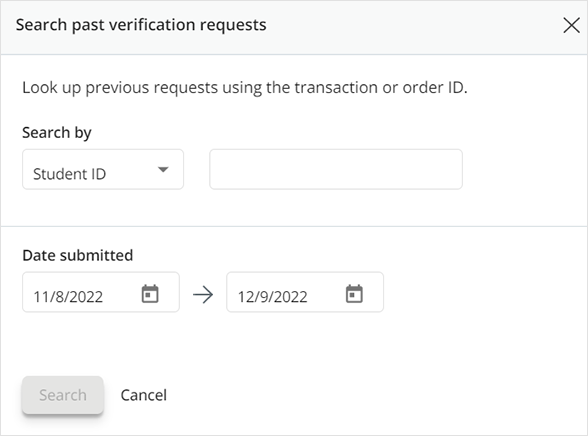
There are four different ways you can search for individual verification requests sent to your school.
Search by Transaction ID
1. To search for a specific transaction, select “Quick search”.
2. Enter the transaction ID number in the “Search by” section. Adjust the Date Submitted range as needed. Click “Search”.
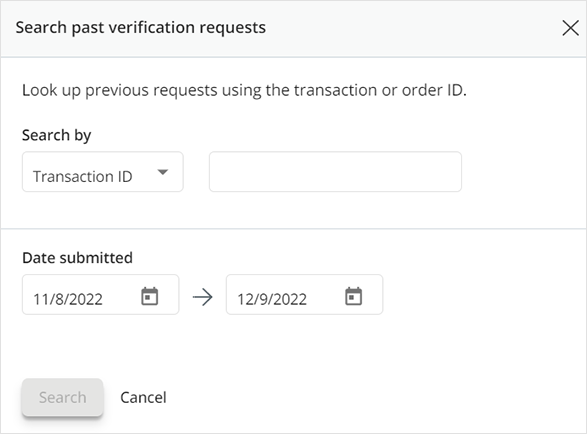
3. If a verification request is found using the provided information, then it will display in the section that corresponds with its status (Action Required, In-Progress, Completed or Cancelled). Select “Reset Search” to clear the search results.
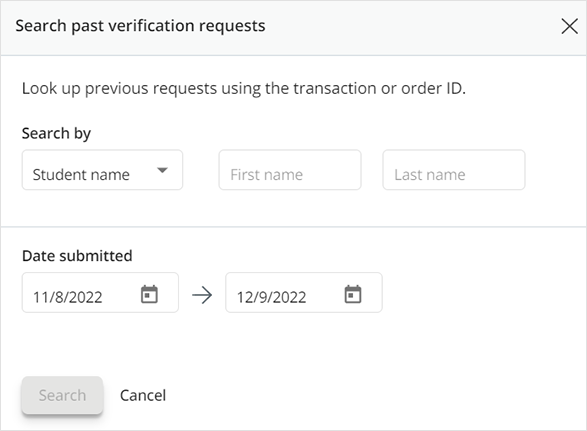
Search by Student Name
After selecting “Quick Search”, change the “Search by” drop-down menu to “Student name”. Once the first and last names are entered, select “Search”.
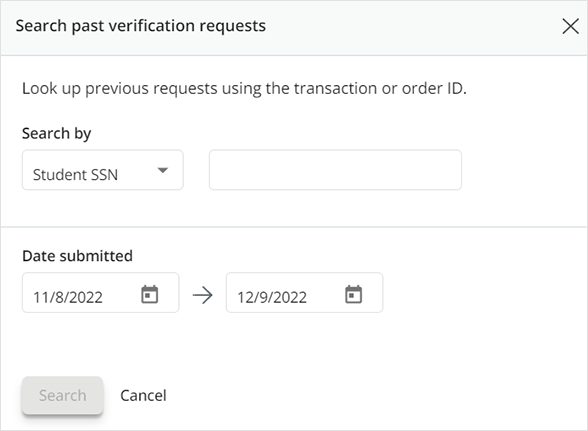
Search by Social Security Number
After selecting “Quick Search”, change the “Search by” drop-down menu to “Student SSN”. Once the 9-digit number is entered (with or without dashes), select “Search”.
Search by Student ID
After selecting “Quick Search”, change the “Search by” drop-down menu to “Student ID”. Once the number is entered, select “Search”.