
The logs page provides an easy way to look up file transfers, password changes, and other audited activities.
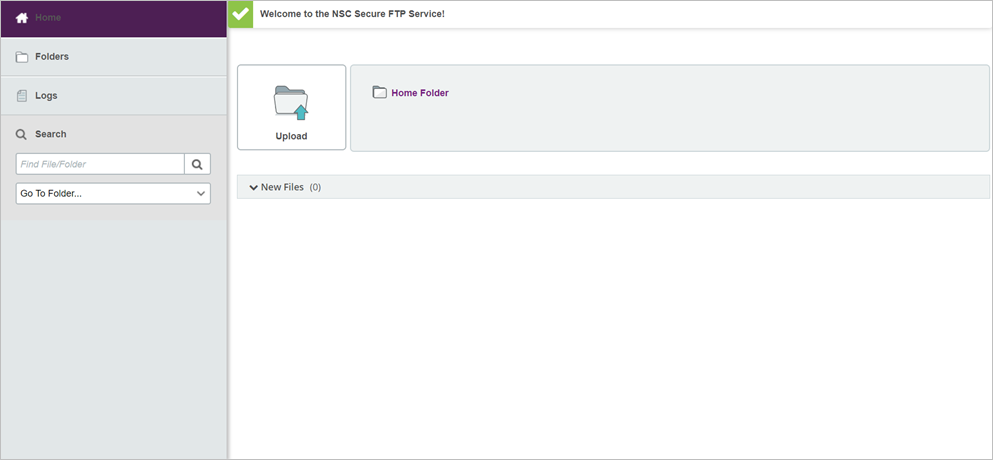
1. Click “Logs” in the left navigation area to display your log entries.
2. The next screen displays log entries of the account activity.
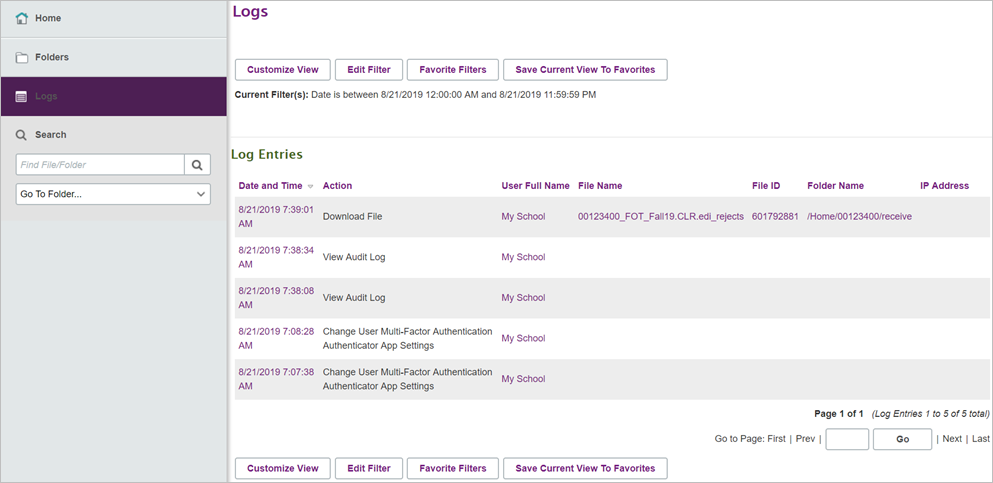
3. To filter by criteria (dates, types of entries, etc.), click “Edit Filter.”
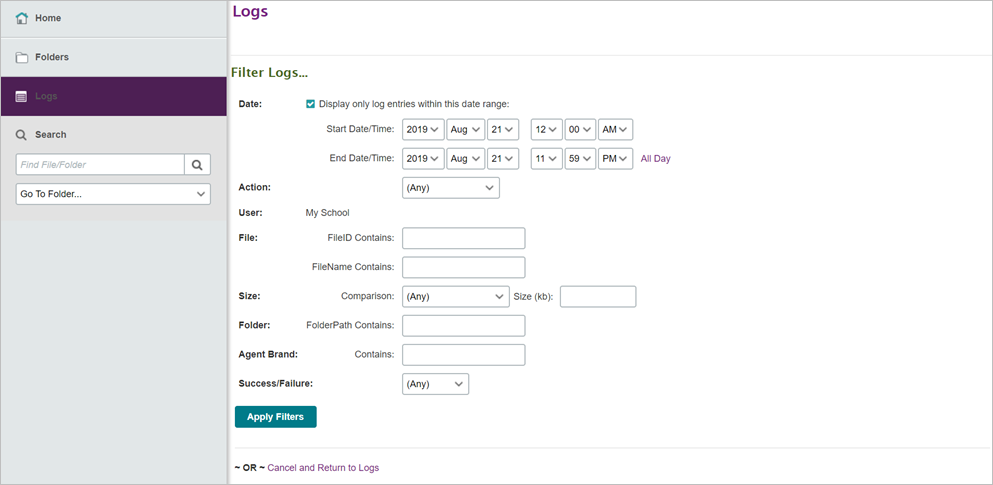
4. Enter search criteria in the fields provided.
5. Click “Apply Filters.”