1. Log in to your account.
2. Navigate to “My Account.”
3. Under “Edit Email Settings” add/remove email addresses in the available field that you wish to receive notifications.
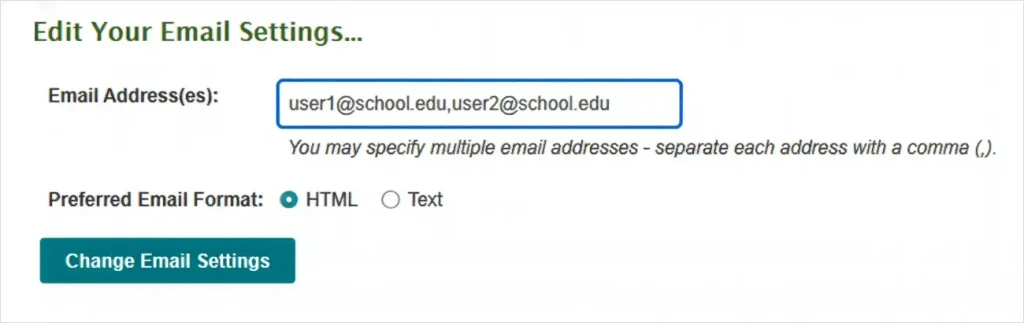
4. Click “Change Email Settings” to apply your changes

1. Log in to your account.
2. Navigate to “My Account.”
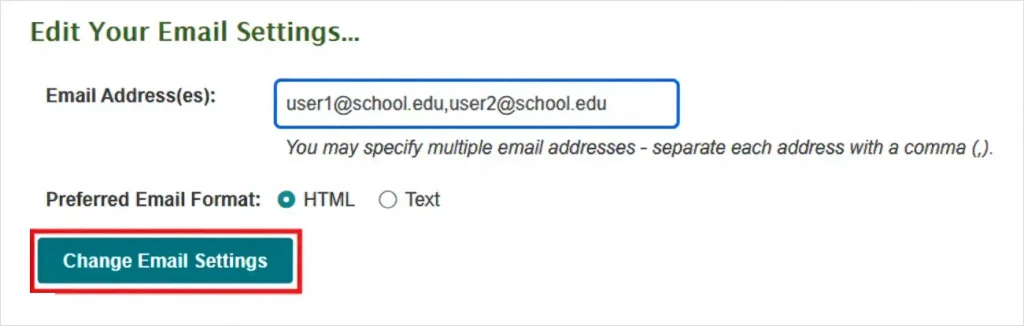
3. Under “Edit Email Settings” add/remove email addresses in the available field that you wish to receive notifications.
4. Click “Change Email Settings” to apply your changes