
When your secure FTP account is established, a folder structure is created based on your username.
In this example for user 00123400, the folders are:
Home (Parent) Folder
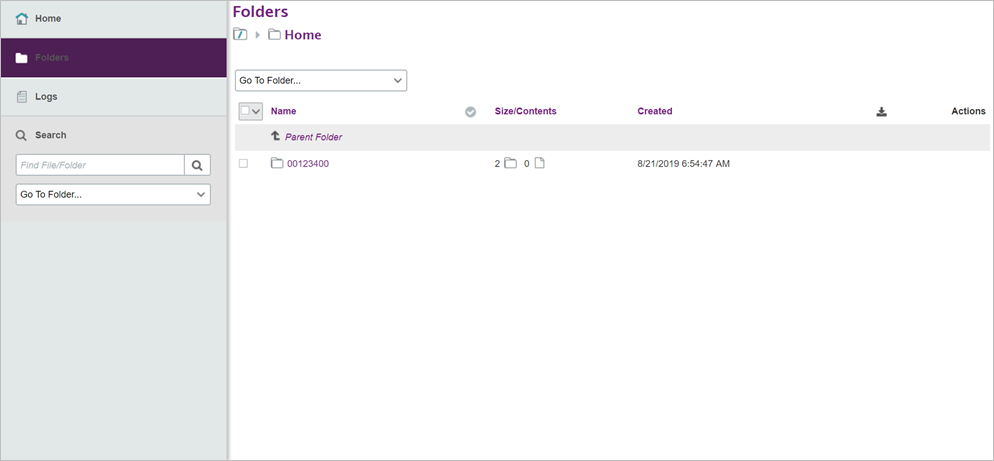
- All user folders are located under the home (parent) folder.
- You can only see and access your user folder. For example, user 00123400 can access only the folder Home/00123400.
Home/00123400
Click the home folder icon to go to your account home folder (Home/00123400).
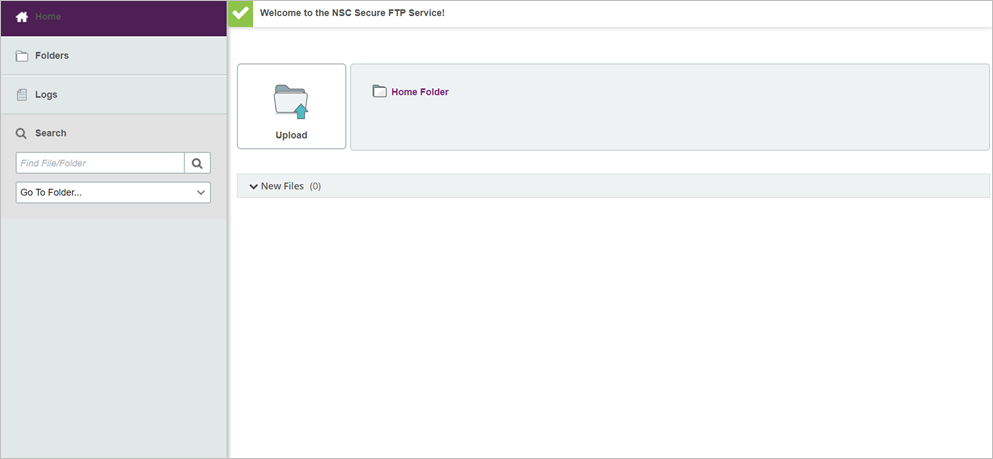
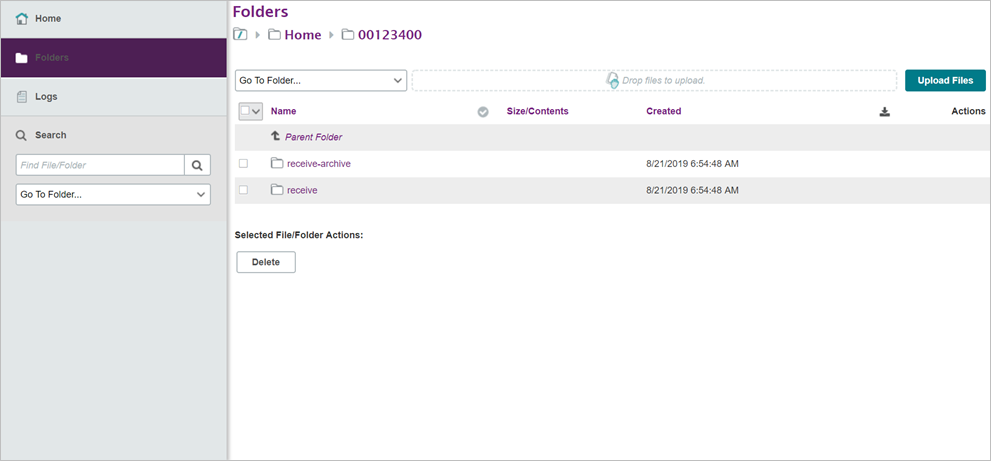
- This is the home folder for user 00123400
- You can only upload files to your account home folder
- You can delete files from your account home folder
- You can replace a current file by uploading one with the same file name
- The Clearinghouse automatically downloads files from your account home folder for processing at regular intervals
- Once downloaded, files are deleted from your account home folder
- An email is sent to the address(es) listed on the account when a file is downloaded by the Clearinghouse
Home/00123400/receive
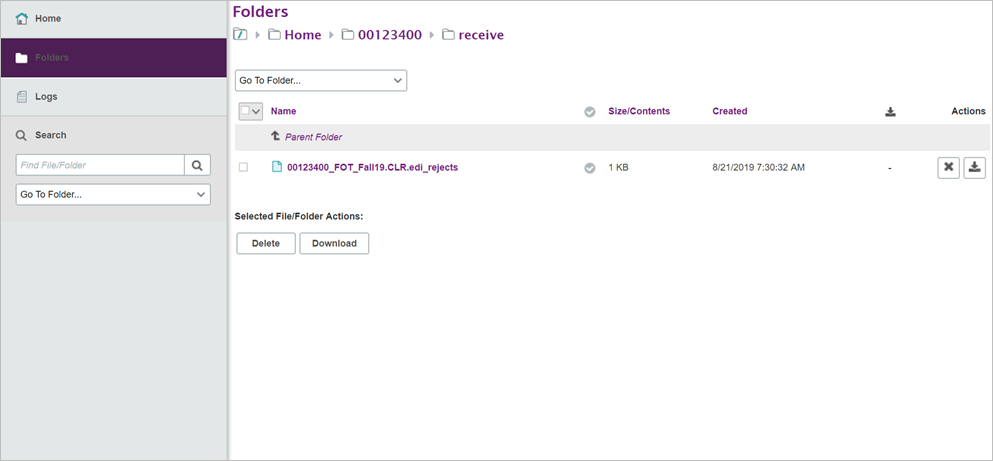
- This is the receive folder where the Clearinghouse places data sent back to you
- You cannot upload files to your account receive folder
- You can delete files from this folder
- Files that are older than 30 days are automatically deleted from the receive folder
- An email is sent to the address(es) listed on the account when the Clearinghouse places a file in your account receive folder
Home/00123400/receive-archive
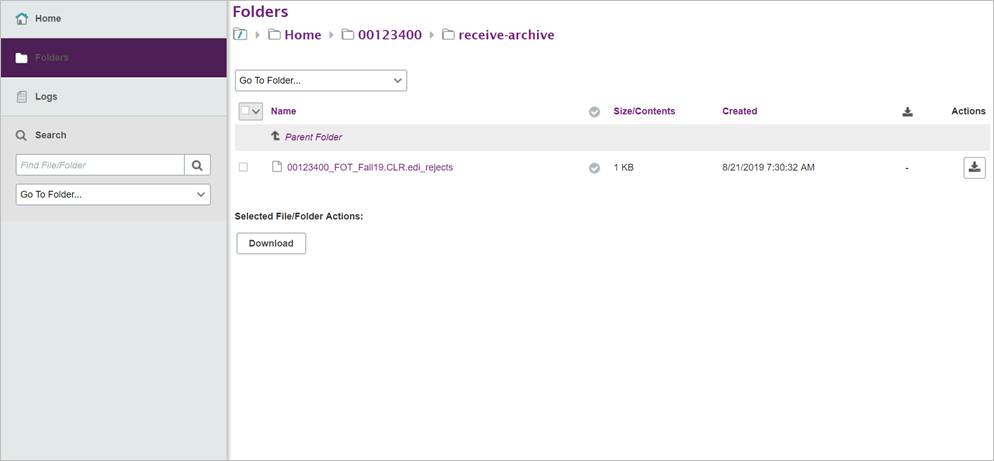
- This is the archive folder that stores a copy of each file placed in your account receive folder
- You cannot delete files from the receive-archive folder
- Files that are older than 45 days are automatically deleted from this folder