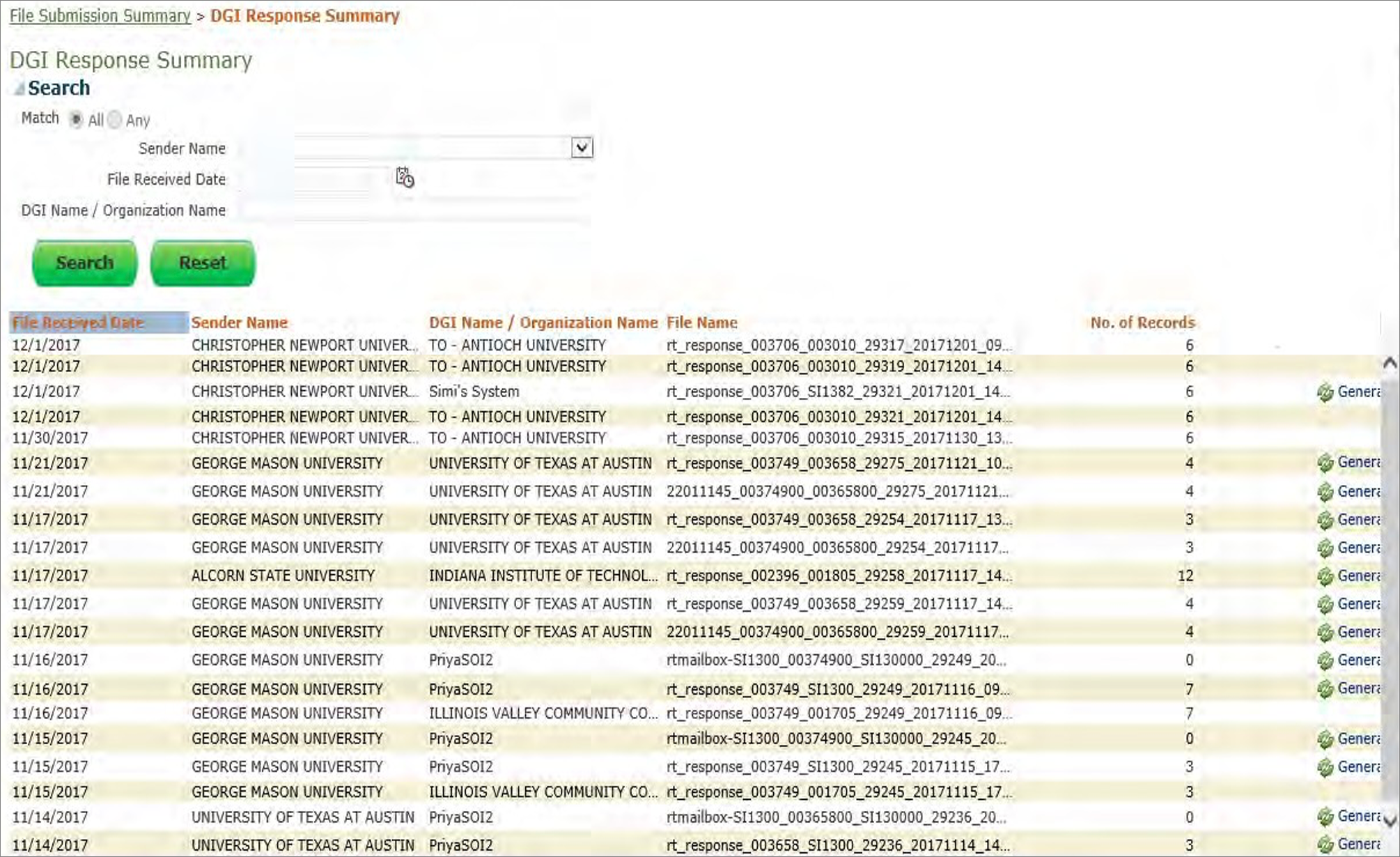
- DGI institutions will have access to the “DGI Response Summary” screen.
- This screen contains a summary of your files sent to you by Hosts in your network.
- You can search for previously sent files using the Search Criteria and generate a previously sent file.
The search tool and results table layouts are below.
Search Criteria Layout
| Field Name | Comments |
|---|
| Sender Name | Search with Sender Name (exact match, all caps) |
| File Received Date | Search by the date the file was sent |
Course Files Summary Screen Layout
| Field Name | Comments |
|---|
| File Received Date | Date in YYYYMMDD format |
| Sender name | Name of the host (Post-Secondary Institute or System of Institute) that sent the original file |
| File Name | Name of the file |
| Number of Records | Number of records in the file |
| Generate Button | This button will allow the user’s ability to generate any of the files listed on the DGI Response Summary. |
Sample DGI Response Summary Screen