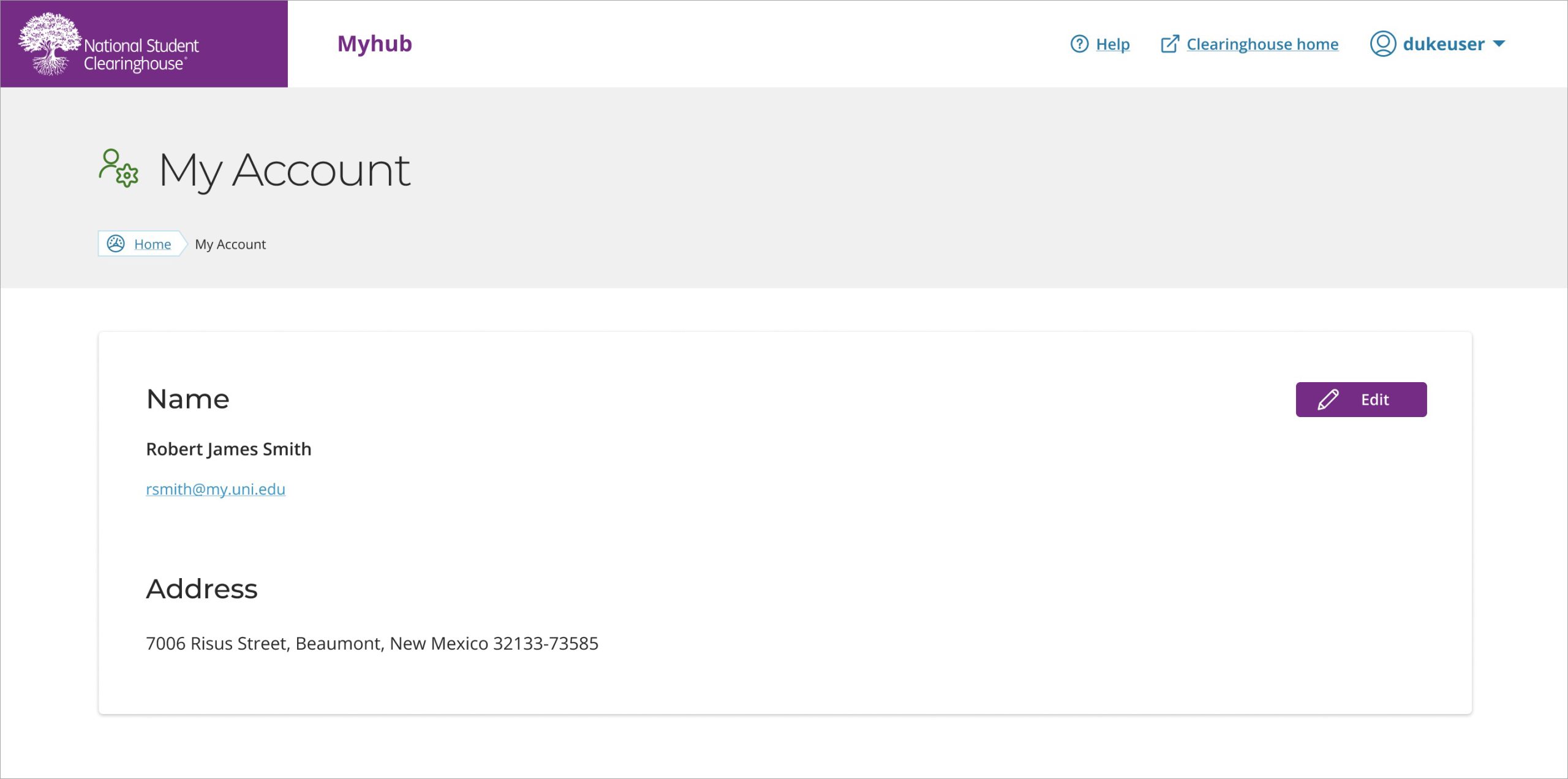
To change your information in Myhub, click the dropdown arrow by your name in the top right corner of the dashboard and select My Account. On the My Account page, you can select the “Edit” button on the right to change your information.
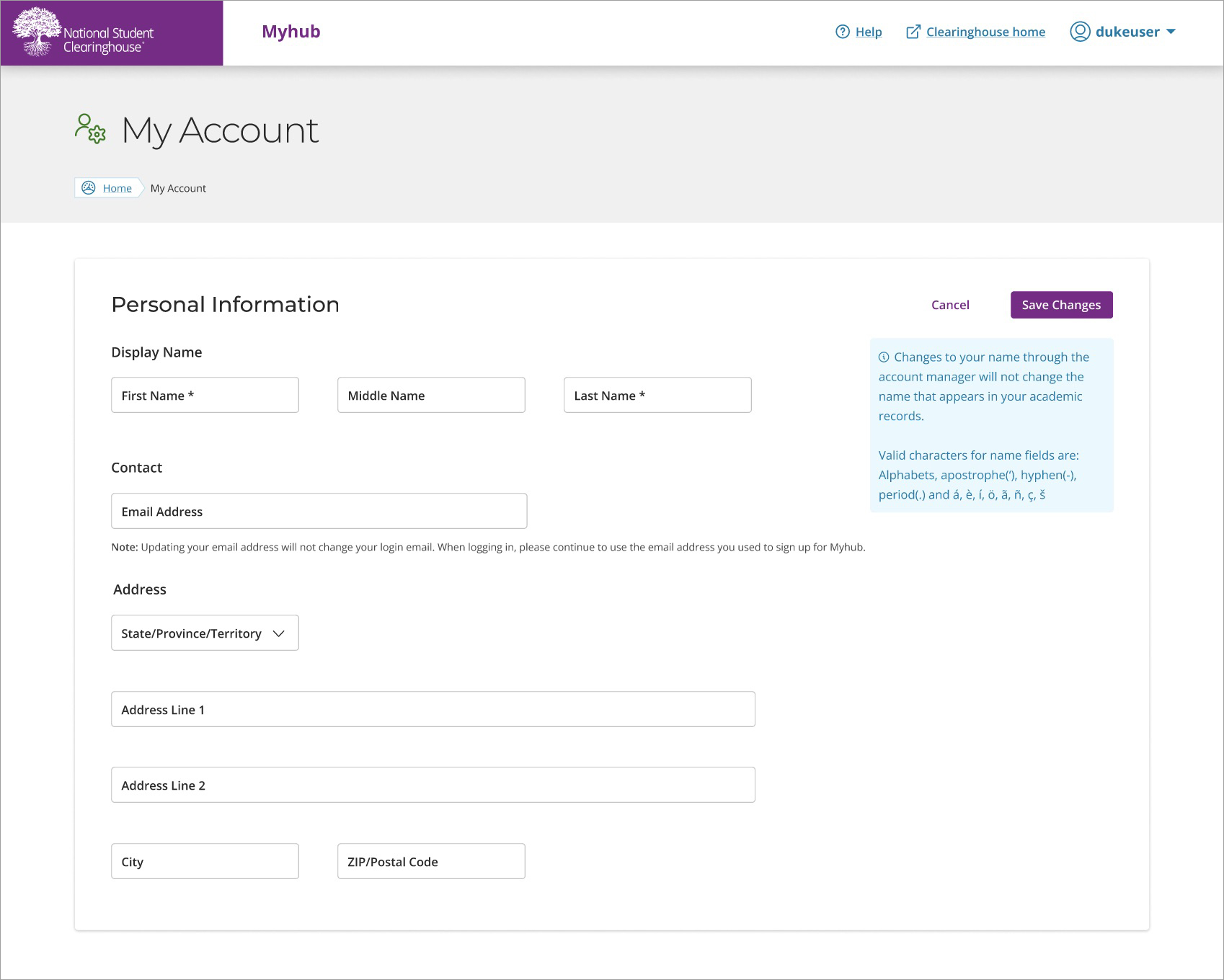
While editing, you can select “Cancel” to remove any changes you were making or “Save Changes” to apply your latest changes to your account.
Once completed, you will see your saved information on the My Account page.
NOTE: Changing your name or address on the My Account page will not update your official records.