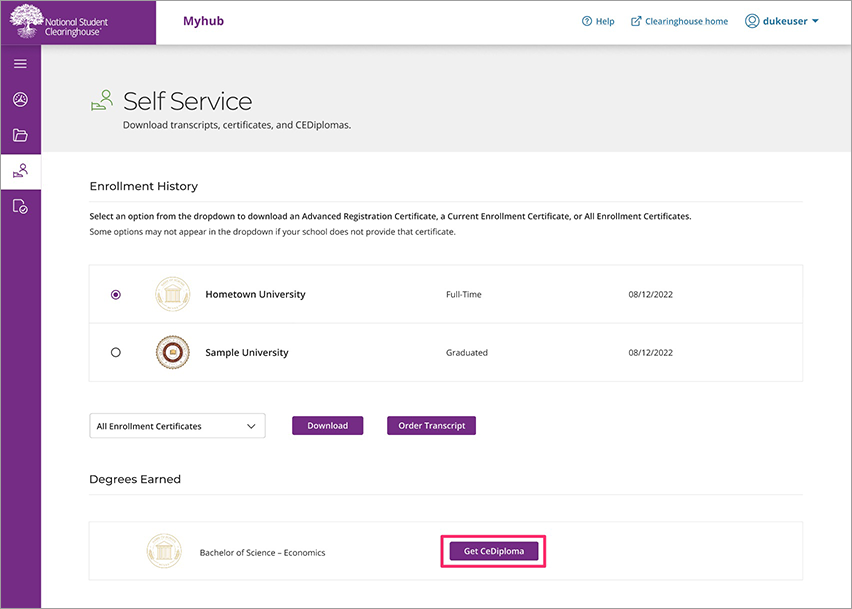
Click the “Get CeDiploma” link under the Degrees Earned card on Myhub to open a new window with Paradigm, Inc., which is the company that generates your CeDiploma.
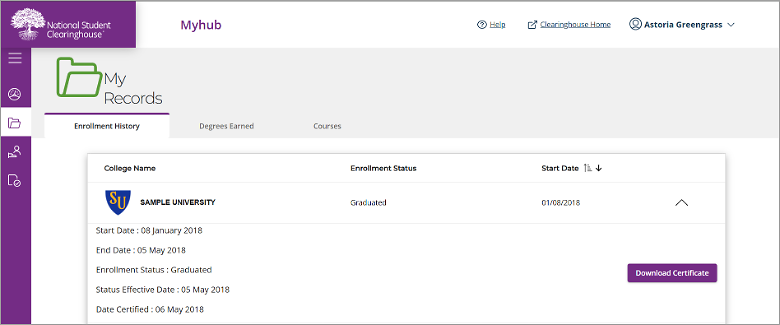
- Check the box indicating you have read and agree to the Paradigm privacy policy and terms and conditions.
- Click the “Continue” button.
- On the next page click “Download Now” to download your CeDiploma.
More information relate to the CeDiploma®, CeCertificate®, CeBadge™ can be found at https://www.cecredentialtrust.com/cecredential/faq/.
For payment-related queries, please contact info@cecredentialtrust.com.