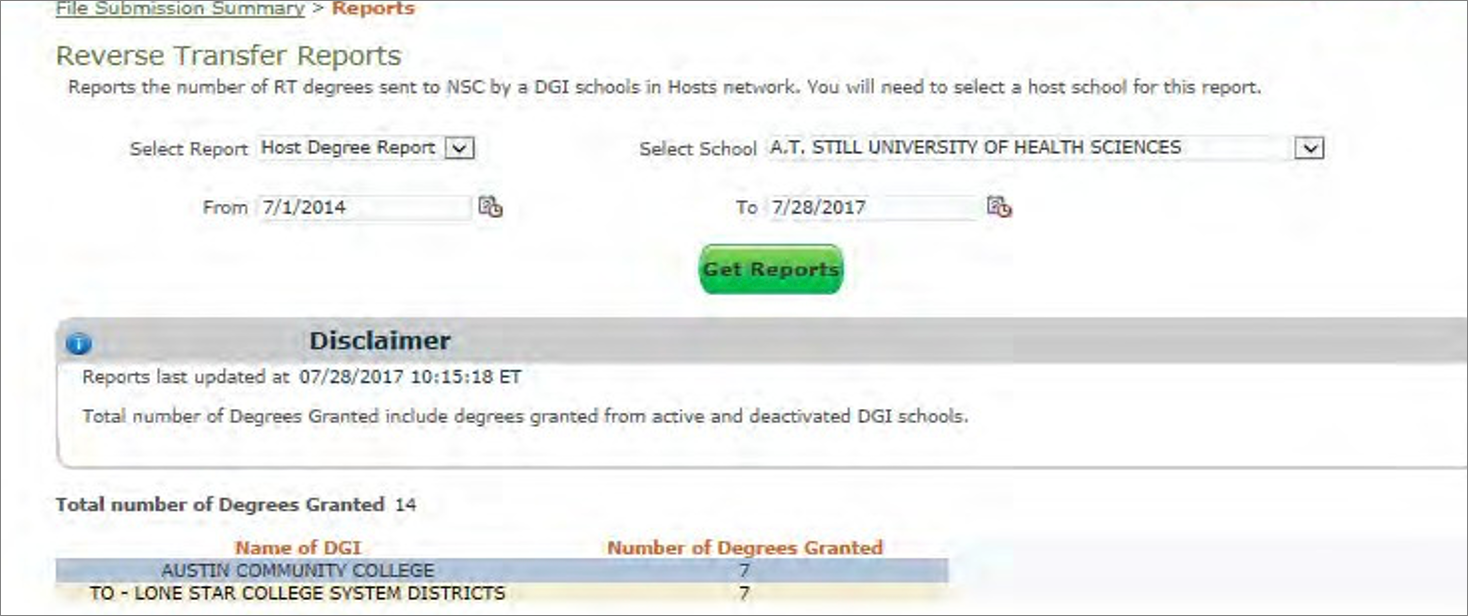
As a host institution, you will be provided with two types of reports.
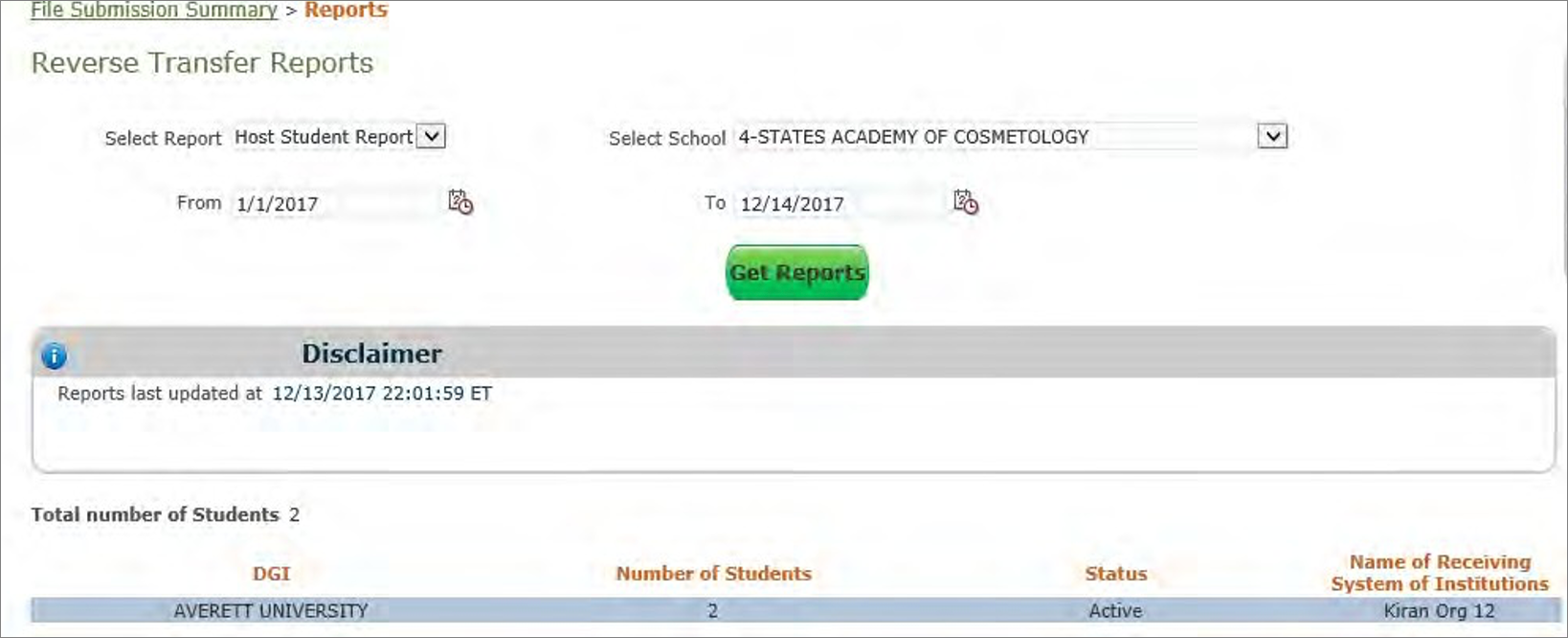
- Host Student Report: Number of students whose course data has been sent to the Clearinghouse
- Host Degree Report: Number of Reverse Transfer degrees granted by the DGIs in your network
Reports Criteria Layout
| Field | Notes |
|---|
| Date Range From | Date range start date |
| Date Range To | Date range end date |
| Report Name | Select from the report dropdown menu:
- Student Report: Number of students whose data was sent to the Clearinghouse
- Degree Report: Number of Reverse Transfer degrees granted by DGI institutions
|
Host Student Reports Detail Table Layout
| Field | Notes |
|---|
| DGI | Name of DGI the host has sent data to |
| Number of Students | Number of students whose course data has been sent to the DGI |
| Status | Status of DGI with Reverse Transfer |
| Name of Receiving System of Intuition | Name of the DGI or SOI. If a DGI is part of a SOI, then this field will reflect the name of the SOI. |
Host Student Reports Screen
Host Degree Reports Detail Table Layout
| Field | Notes |
|---|
| Name of DGI | Name of DGI in your network |
| Number of Degrees Granted | Number of Reverse Transfer degrees granted by the named DGI |
Host Degree Reports Screen